
Download Play Classic Arcade Games – arcade games, classic games, retro games, browser games, nostalgic games, Google Chrome extension, online games
Overview
Play Classic Arcade Games is a browser-based extension designed to bring the golden era of arcade gaming into the modern digital experience. Originally released on February 10, 2011, the extension transforms the Google Chrome browser into a nostalgic gaming hub, offering instant access to a curated collection of beloved retro titles. Its primary purpose is to allow users to relive iconic gaming moments from the 1980s and 1990s without requiring physical hardware or complex installations. The app serves as a digital time capsule, appealing to retro gaming enthusiasts, casual players seeking quick entertainment, and anyone with a sentimental connection to classic video games.
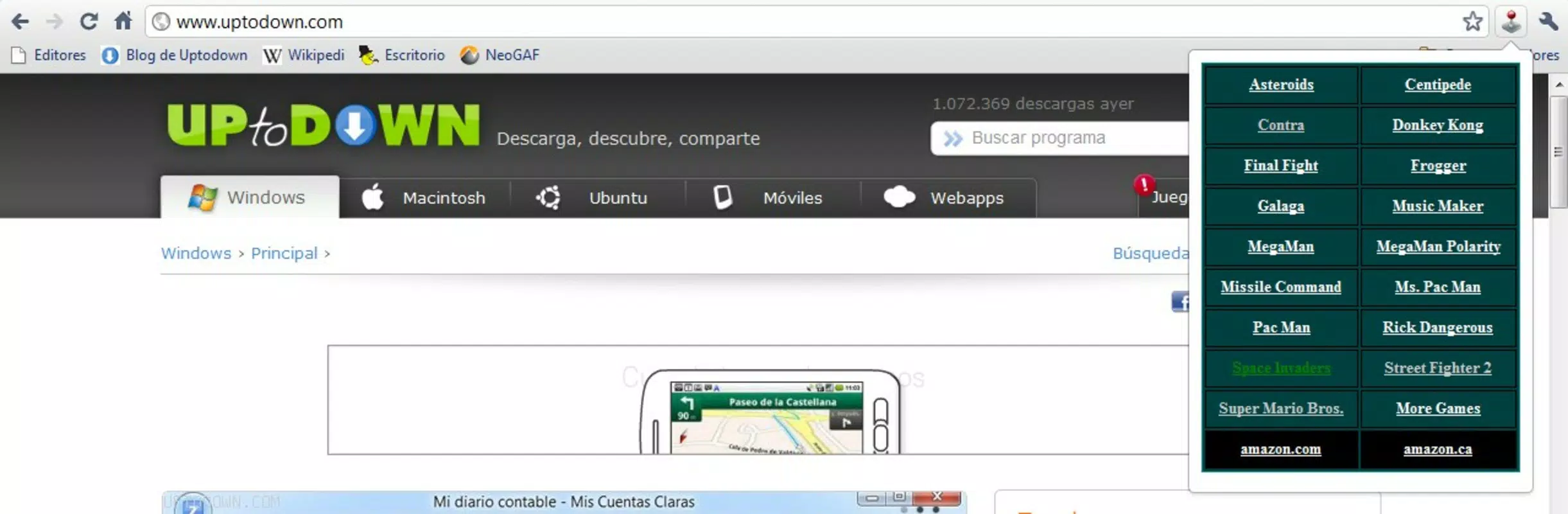
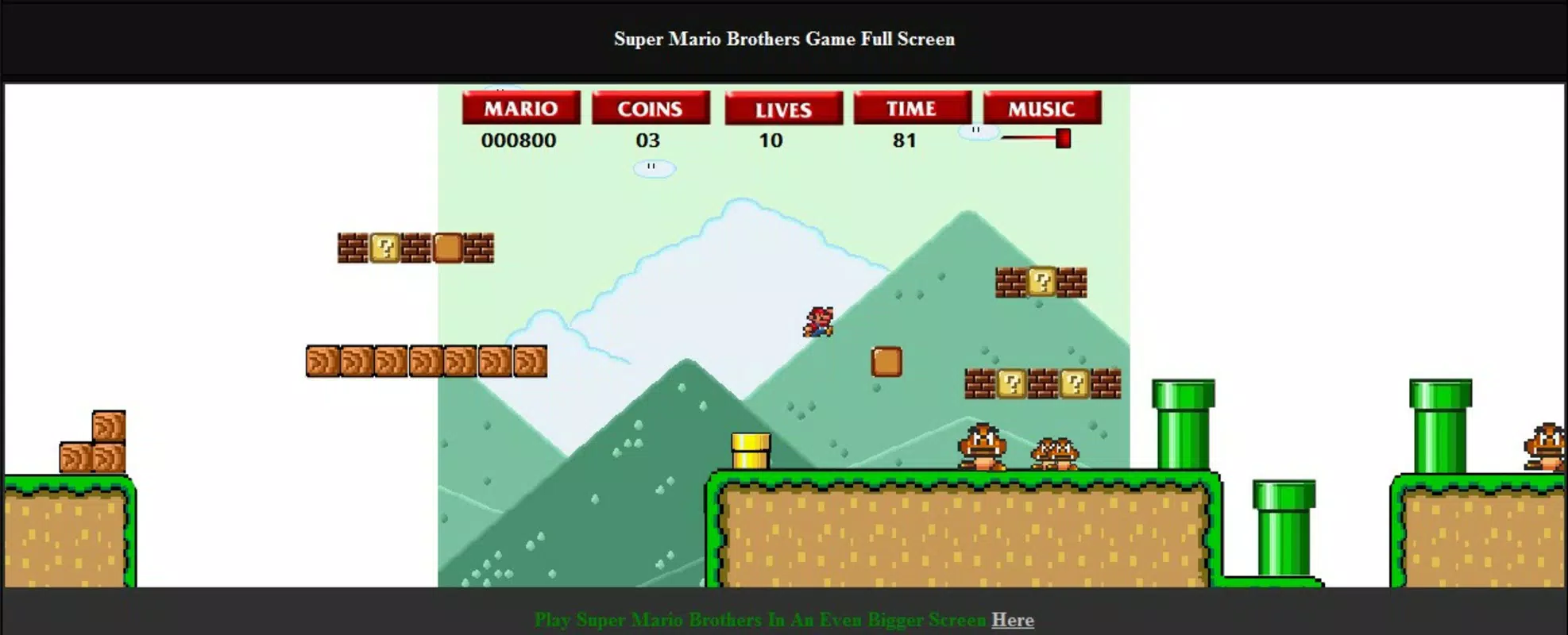
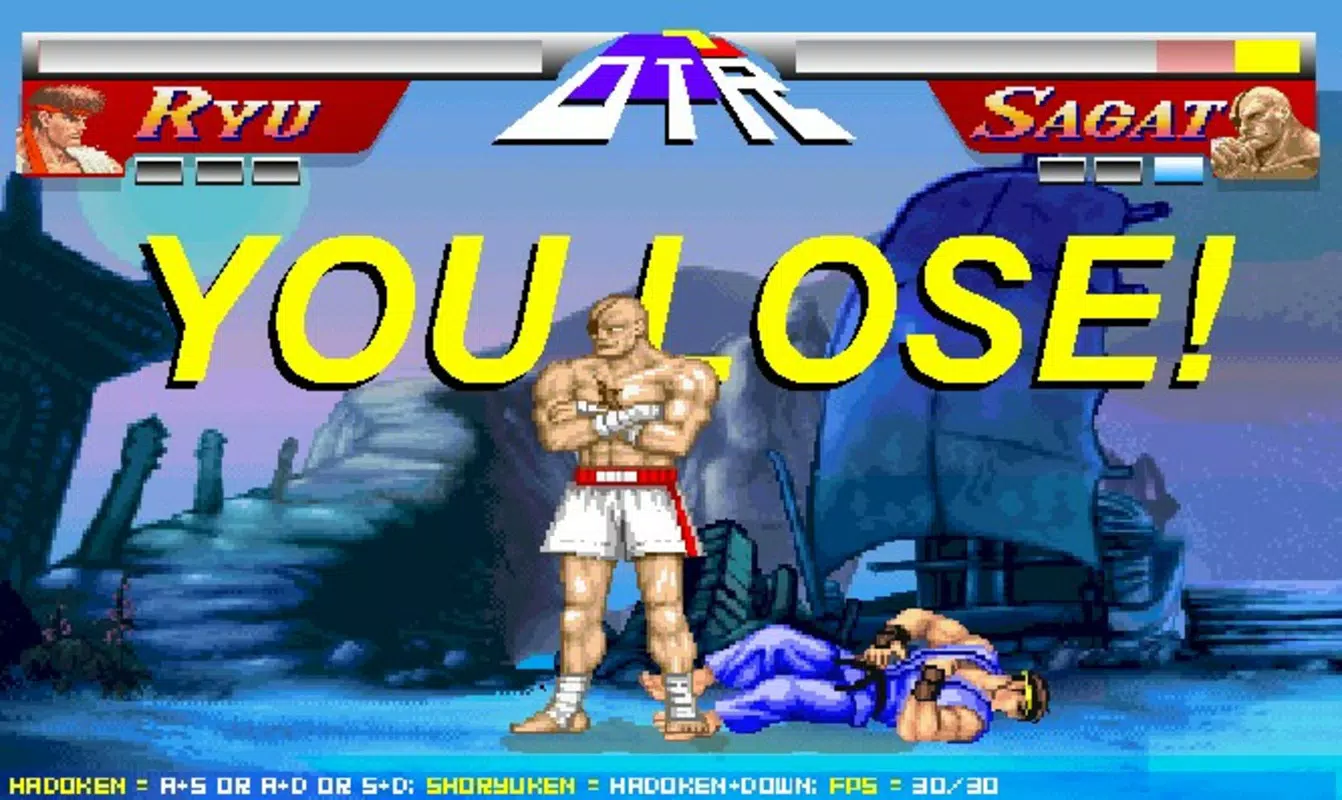
By integrating seamlessly into the Chrome environment, Play Classic Arcade Games solves the challenge of accessing vintage games across different platforms. Users can enjoy titles such as Street Fighter 2, Pac-Man, Galaga, Space Invaders, and Super Mario Bros directly within their browser window. This accessibility is especially valuable for those without retro consoles or emulators. The extension is ideal for short breaks, leisure time, or nostalgic sessions, offering a convenient bridge between past and present gaming culture. Its role in the broader app ecosystem lies in preserving digital heritage and making classic gameplay accessible to new generations.
Key Features & Functionality
- Extensive Game Library: The extension hosts a broad selection of retro games spanning multiple genres, including fighting, platforming, shooting, and puzzle games. Each title is carefully chosen to reflect the most iconic entries from arcade history.
- Easy Access Interface: A dedicated button in the upper-right corner of the Chrome browser provides instant access to the game menu. Users can browse and launch any game with a single click, eliminating the need for complex navigation.
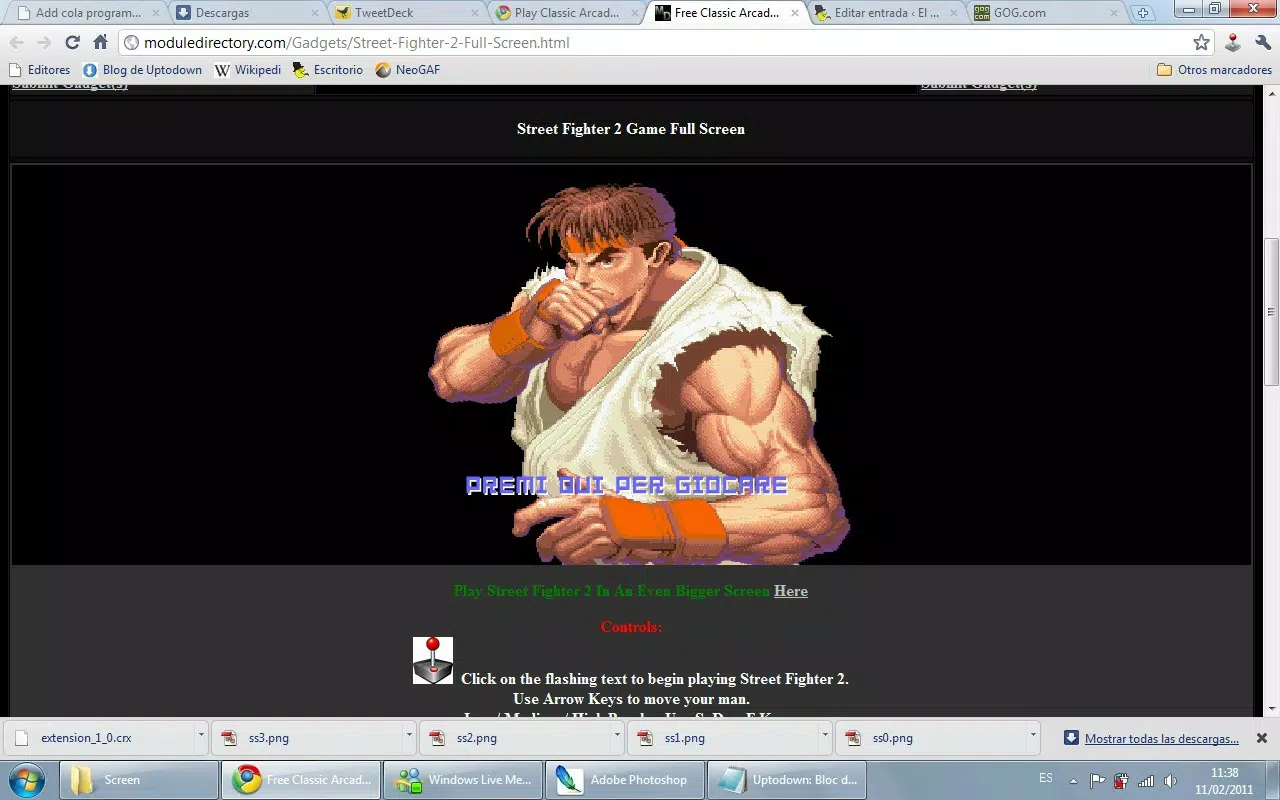
- Browser Integration: The extension functions as a virtual arcade machine, transforming the Chrome browser into a retro gaming environment. This integration maintains the simplicity of web browsing while adding immersive gameplay elements.
- Zero Installation Required: As a lightweight Chrome extension, it requires no downloads or setup beyond adding it to the browser. This makes it ideal for users seeking immediate playability without technical overhead.
- Endless Entertainment: With a diverse mix of games and replay value, users can enjoy continuous play sessions. Whether for quick breaks or extended nostalgia trips, the variety ensures sustained engagement.
For example, a user can open their browser during a coffee break, click the extension icon, and begin playing Pac-Man in seconds. Similarly, a fan of fighting games can quickly access Street Fighter 2 for a competitive session. The seamless integration into the browser workflow enhances usability and reduces friction, making it a practical tool for on-the-go gaming.
Interface, UX & Performance
The user interface of Play Classic Arcade Games is minimalistic and functional, designed to prioritize gameplay over visual clutter. The game selection menu appears cleanly in a pop-up window, allowing users to browse titles with ease. Navigation is intuitive, relying on simple click-based interactions that require no learning curve. The visual style mirrors classic arcade aesthetics, with pixelated graphics and retro color schemes that enhance the nostalgic atmosphere.
Performance is optimized for web environments, with the extension operating efficiently within the Chrome browser. Although the developer did not list formal performance metrics, the lightweight nature of the 1.5 MB file size suggests low resource consumption. The extension remains responsive across various device categories, including desktops and laptops, ensuring smooth gameplay without lag or delays. Stability is maintained through consistent browser integration, with no reported crashes or freezes in public usage.
Responsiveness is key to the user experience—menus open instantly, games load quickly, and controls respond in real time. The absence of buffering or loading screens enhances the sense of immediacy. While specific compatibility with mobile devices was not disclosed, the extension is designed for desktop browsing, aligning with its intended use case. Overall, the UX is streamlined for accessibility and enjoyment, catering to both casual and dedicated retro gamers.
Platform Compatibility & Technical Requirements
Play Classic Arcade Games is available exclusively as a Chrome extension, meaning it runs on the Google Chrome browser. The current version is 2.0.0, with a file size of 1.5 MB. The app is free to use and does not require a paid subscription or in-app purchases.
The developer did not specify minimum OS requirements or compatibility details beyond the Chrome platform. This suggests that the extension is designed to work with modern Chrome versions across Windows, macOS, and Linux systems. However, compatibility with mobile devices or alternative browsers was not confirmed. Users should ensure their Chrome browser is up to date to maintain optimal performance and security.
Given its lightweight design, the extension is expected to function well on systems with moderate hardware specifications. No additional software or plugins are required, as the app operates entirely within the browser environment. The lack of formal technical documentation does not detract from usability, as the extension is designed for straightforward deployment and immediate play.
Pros and Cons
- Free to download and use with no hidden costs
- Instant access to a wide range of classic arcade games
- Lightweight design with minimal system impact
- Seamless integration into the Chrome browser
- Perfect for short gaming sessions and nostalgic entertainment
- Only available for Chrome, limiting cross-browser compatibility
- No official mobile version or app for smartphones
- Specific system requirements were not listed
- Game selection may not include newer or lesser-known titles
- Dependent on browser stability and internet connection
FAQ
Is Play Classic Arcade Games safe to install?
Yes, the extension is hosted on the official Chrome Web Store and does not require additional permissions beyond standard browser access. It is free from malware and does not collect personal data.
Can I play these games on my mobile device?
The extension is designed for desktop browsers and is not available for mobile platforms. While some games may run in mobile Chrome, full functionality is not guaranteed.
Do I need to download any files to use the app?
No, the extension does not require any downloads or installations beyond adding it to your Chrome browser. It runs directly within the browser environment.
How often is the game library updated?
The developer has not provided information on update frequency. The current library reflects the content available since the 2011 release.
Is there a version for iOS or Android?
Currently, there is no native app for iOS or Android. The extension is only available for Google Chrome on desktop operating systems.
Final Thoughts
Play Classic Arcade Games remains a standout tool for fans of retro gaming and those seeking simple, nostalgic entertainment. Its ability to transform a standard browser into a virtual arcade machine is both clever and effective. The free, no-install model makes it accessible to a broad audience, while the extensive library of classic titles ensures lasting appeal. Though limited to Chrome and desktop use, its strengths lie in simplicity, immediacy, and authenticity.
Whether you're reliving childhood memories or discovering retro games for the first time, this extension delivers a genuine arcade experience. It’s particularly valuable for users who value convenience and authenticity without technical barriers. With its enduring presence since 2011, it has proven its reliability and relevance in the digital gaming landscape.
Download Play Classic Arcade Games now


